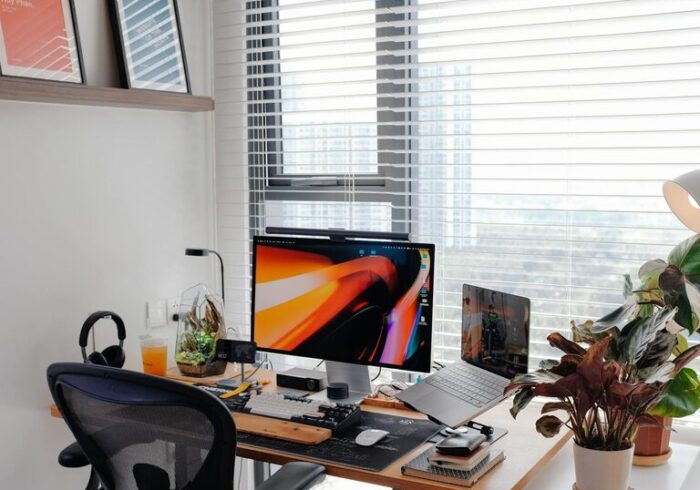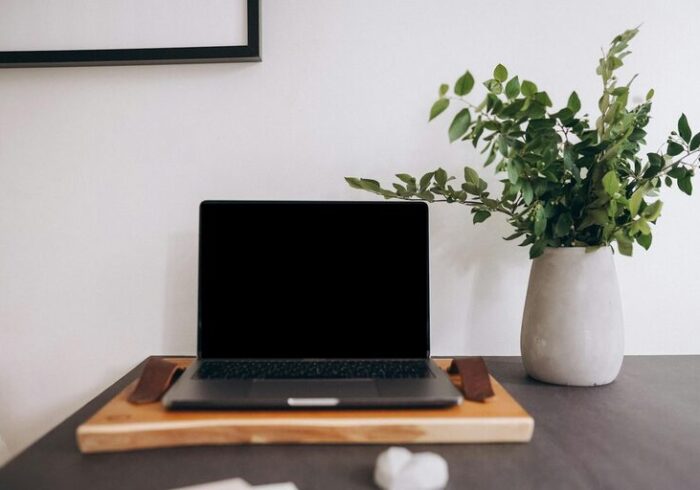
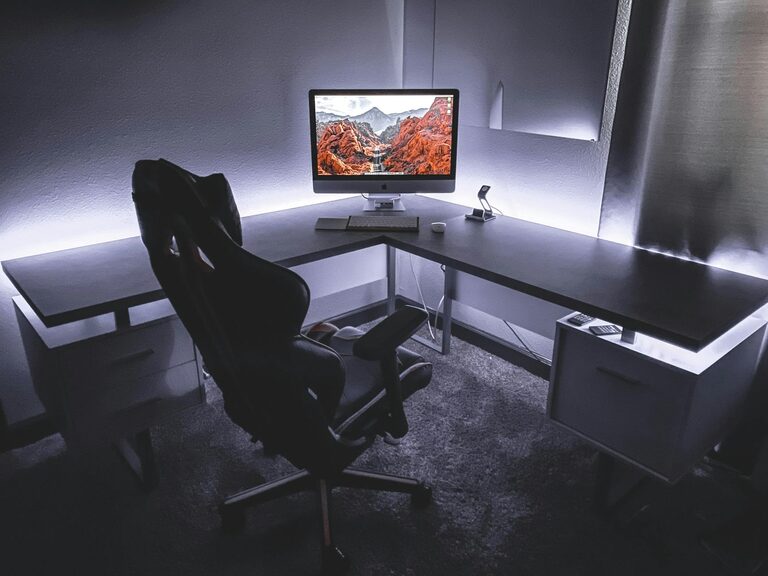
Working from home offers flexibility but can also present challenges in staying focused and productive. Creating an efficient home workspace is key to maintaining motivation and getting your best work done. Whether you’re new to remote work or looking to improve your current setup, these tips will help you design a workspace that supports your goals.
Choose the Right Location
The first step is selecting a dedicated space for work. Ideally, this area should be quiet, free from distractions, and away from high-traffic zones in your home. A spare room, a corner in the living room, or even a section of your bedroom can work well if set up correctly.
– Natural Light: Pick a spot with plenty of natural light. Sunlight helps improve mood and alertness.
– Privacy: Find a place where family members or roommates won’t disturb you during work hours.
– Space: Ensure there’s enough room for your desk, chair, and any necessary equipment.
Invest in Ergonomic Furniture
Comfort is crucial for long hours at your desk. Ergonomic furniture helps prevent strain and injuries.
– Desk: Choose a desk with enough surface area for your computer, notebooks, and supplies. Adjustable desks can be a great option if you want to alternate between sitting and standing.
– Chair: Look for a chair with good lumbar support and adjustable height. Sitting in a supportive chair can reduce back and neck pain.
– Monitor Position: Position your monitor at eye level, about an arm’s length away, to minimize neck strain.
Keep Your Workspace Organized
Clutter can distract and slow you down. An organized workspace helps clear your mind and makes it easier to find what you need.
– Storage Solutions: Use drawers, shelves, or filing cabinets to keep documents and supplies out of sight.
– Desk Essentials: Keep only the items you use daily on your desk to maintain a clean surface.
– Cable Management: Use clips or sleeves to organize cords and prevent tangling.
Personalize Your Space
Adding personal touches can make your workspace more inviting and motivate you.
– Decor: Simple decor like plants, artwork, or photos can brighten the space without causing distractions.
– Lighting: Use a desk lamp with adjustable brightness for late-night work sessions.
– Scent: A subtle diffuser or candle with a calming scent can create a relaxing atmosphere.
Minimize Distractions
Distractions are productivity killers, especially at home. Try these strategies:
– Set Boundaries: Communicate your work schedule to people you live with to minimize interruptions.
– Use Headphones: Noise-cancelling headphones can block out background noise and help you focus.
– Turn Off Notifications: Disable non-essential notifications on your phone and computer during work hours.
Establish a Routine
Creating a consistent routine helps your brain switch into work mode.
– Start Time: Begin work at the same time every day to create structure.
– Breaks: Schedule short breaks to stretch and rest your eyes. The Pomodoro Technique, which alternates focused work and short breaks, can be effective.
– End of Day: Have a clear stopping point to separate work time from personal time.
Optimize Technology and Tools
Having reliable and efficient technology reduces frustration and delays.
– Internet Connection: Ensure you have a strong Wi-Fi signal or a wired internet connection to avoid interruptions.
– Accessories: Keyboards, mice, webcams, and microphones that fit your needs can improve comfort and communication.
– Software: Use productivity apps for task management, time tracking, and collaboration.
Maintain Good Posture and Health
Taking care of your body supports sustained productivity.
– Posture: Keep your back straight, feet flat on the floor, and wrists neutral when typing.
– Movement: Stand up, stretch, or walk around at least once every hour.
– Hydration and Nutrition: Drink water throughout the day and have healthy snacks available.
Review and Adjust as Needed
Your needs may change over time, so periodically assess your workspace and make improvements.
– Comfort Check: Regularly evaluate whether your chair, desk, and monitor positions feel comfortable.
– Organization: Tidy up and reorganize to maintain efficiency.
– Technology Updates: Upgrade or repair equipment when necessary to avoid slowdowns.
—
Creating an efficient home workspace involves thoughtful planning and ongoing adjustments. By designing a space that supports your physical comfort, minimizes distractions, and fits your working style, you can boost your productivity and enjoy a better work-from-home experience. Try incorporating these tips step-by-step and notice how your focus and output improve.