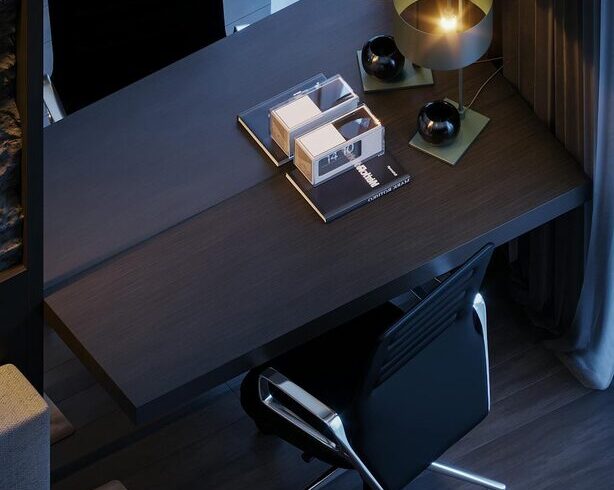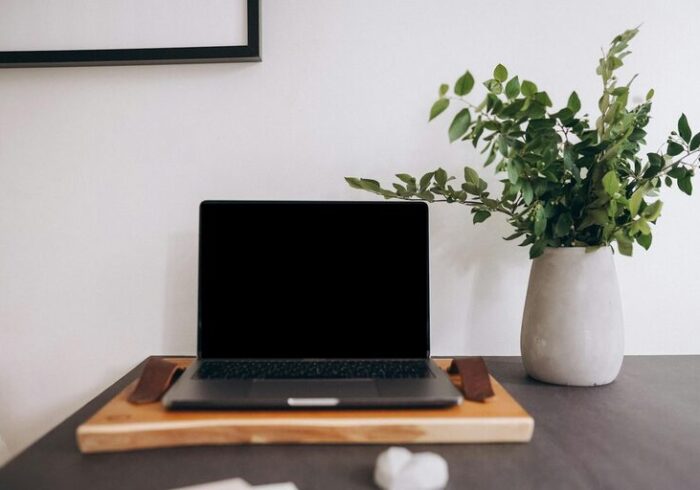
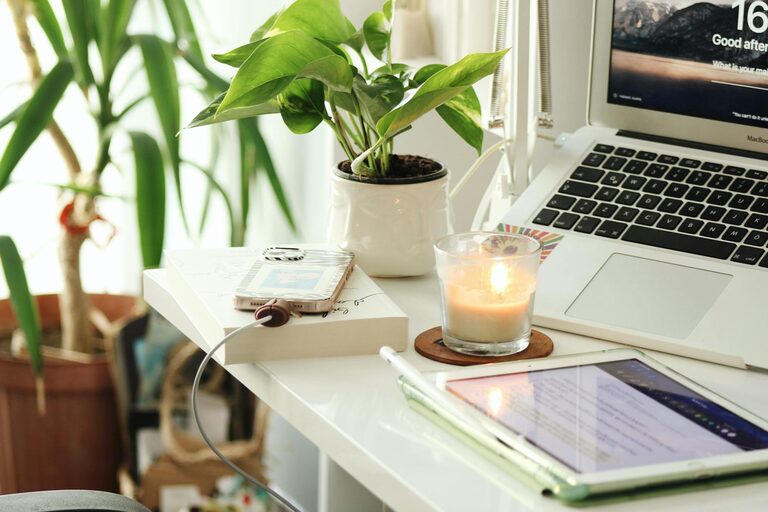
Creating a productive home office space is essential for anyone working or studying from home. A well-designed area can boost your focus, reduce distractions, and improve your overall work experience. Whether you have a dedicated room or a small corner, following some simple tips can help you set up a workspace that supports your productivity.
Choose the Right Location
Finding the best spot for your home office is the first step. Ideally, select a quiet area with minimal foot traffic and distractions. If possible, choose a room with a door so you can easily separate work time from personal time. Natural light is a bonus; it helps reduce eye strain and improves mood. If natural light is limited, make sure to incorporate good artificial lighting.
Invest in Comfortable and Functional Furniture
Your furniture plays a crucial role in your comfort and productivity.
– Desk: Pick a desk that fits your space and provides enough room for your computer, accessories, and paperwork.
– Chair: An ergonomic chair that supports your back and promotes good posture is worth the investment. Sitting comfortably helps prevent fatigue and discomfort during long working hours.
– Storage: Use shelves, drawers, or filing cabinets to keep your workspace organized and clutter-free.
Optimize Lighting
Proper lighting reduces eye strain and makes your workspace inviting.
– Natural light: Position your desk near a window but avoid glare on your screen.
– Task lighting: Use a desk lamp with adjustable brightness for focused lighting on your work area.
– Ambient lighting: Soft overhead lights create a comfortable environment without harsh shadows.
Minimize Distractions
A productive workspace needs to be distraction-free.
– Noise control: Use noise-cancelling headphones, a white noise machine, or play soft background music if needed.
– Separate work and leisure: Avoid placing your workspace near the TV or high-traffic zones.
– Digital focus: Manage notifications and set boundaries for social media or personal calls during work time.
Personalize Your Space
Adding personal touches can make your office feel inviting and inspiring.
– Include a few plants to improve air quality and add a touch of nature.
– Display art, photos, or motivational quotes that uplift your spirits.
– Use colors that you find calming or energizing, depending on your preference.
Keep Technology and Supplies Handy
Make sure your essential tools and devices are within easy reach.
– Organize cables with clips or holders to avoid tangles.
– Use a reliable internet connection and keep all devices charged.
– Stock up on frequently used supplies like pens, notebooks, and chargers.
Maintain a Clean and Organized Workspace
Regular tidying helps maintain focus and reduces stress.
– Spend a few minutes at the end of each day to clear your desk.
– Use organizers or trays to keep items sorted.
– File papers or digital documents promptly to avoid backlog.
Establish a Routine
Creating a routine helps signal your brain that it’s time to work.
– Set clear start and end times for your workday.
– Take regular breaks to stretch and recharge.
– Use a calendar or planner to schedule tasks and deadlines.
Pay Attention to Ergonomics
Good ergonomics help prevent strain and injury.
– Keep your computer screen at eye level.
– Position your keyboard and mouse to allow your arms to be relaxed.
– Take short breaks to stand, stretch, or walk around.
Use Inspiring Tools and Apps
Leverage tools that boost productivity and organization.
– Task managers or to-do lists keep you on track.
– Timer apps can help you use techniques like the Pomodoro method.
– Collaboration tools make communication easier if you work with a team.
Final Thoughts
Designing a productive home office is about balancing comfort, organization, and personalization. Small changes can make a big difference in your focus and motivation. By investing time and effort into your workspace, you create an environment that supports your best work every day.