Creating an effective home office space is essential for staying productive, especially as more people work remotely or spend time on personal projects at home. The right environment can help keep distractions away, enhance focus, and make work feel more enjoyable. In this post, we’ll explore practical tips to create a home office that supports your best work.
Choose the Right Location
The first step in setting up your home office is deciding where it will be located. Consider these factors:
– Quietness: Pick a spot away from household noise like the TV, kitchen, or high-traffic areas.
– Natural Light: Ideally, choose a space near a window to benefit from natural light, which can improve mood and energy.
– Space: Ensure you have enough room for your desk, chair, and any other tools you need.
– Privacy: If possible, choose a spot where you can close the door or create a designated work zone.
Invest in Ergonomic Furniture
Your comfort matters a lot for long hours of work. Ergonomic furniture supports your posture and reduces physical strain.
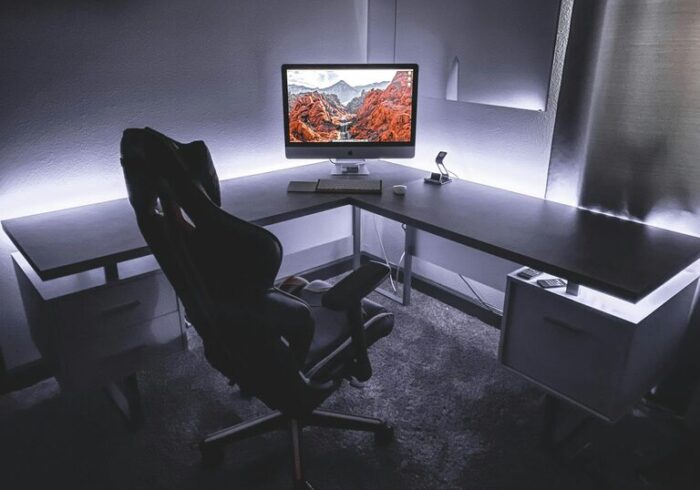
– Chair: Invest in an adjustable chair with proper lumbar support.
– Desk: A desk at the right height helps keep your arms and wrists comfortable.
– Monitor Positioning: Place your computer screen at eye level to avoid neck strain.
– Accessories: Use wrist rests, footrests, or standing desks if needed to enhance comfort.
Organize Your Workspace
An organized space reduces distractions and helps you stay focused.
– Declutter: Keep only essential items on your desk.
– Storage Solutions: Use shelves, drawers, or filing cabinets to store papers and supplies neatly.
– Cable Management: Use clips or cable boxes to keep cords tidy and prevent tangles.
– Minimal Decoration: Personal touches are good, but avoid cluttering the space with too many decorations.
Optimize Lighting
Good lighting can reduce eye strain and improve your alertness.
– Natural Light: Maximize daylight by placing your desk near windows.
– Task Lighting: Use a desk lamp with adjustable brightness for focused work.
– Avoid Glare: Position screens and lights so that glare on your monitor is minimized.
Minimize Distractions
Keeping distractions at bay helps maintain productivity.
– Mute Notifications: Turn off non-essential alerts on your phone and computer.
– Set Boundaries: Communicate your work hours to family or housemates.
– Use Headphones: Noise-canceling headphones can help you concentrate in noisy environments.
– Keep a Dedicated Workspace: Avoid working from beds or couches, which can blur work-life boundaries.
Personalize Your Workspace
Personal touches can make your workspace more inviting and motivating.
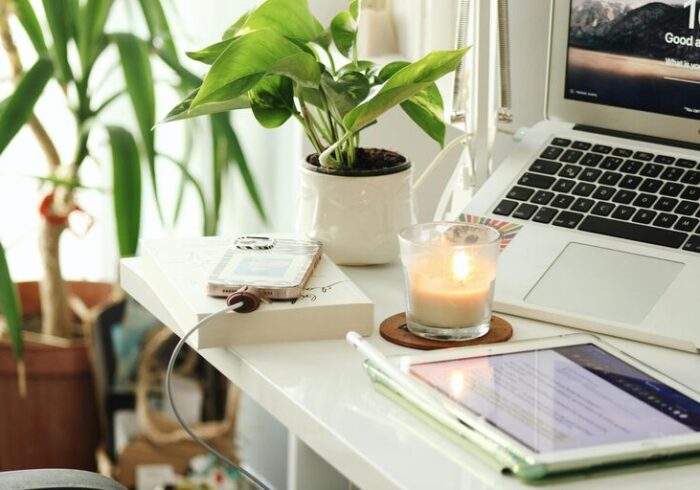
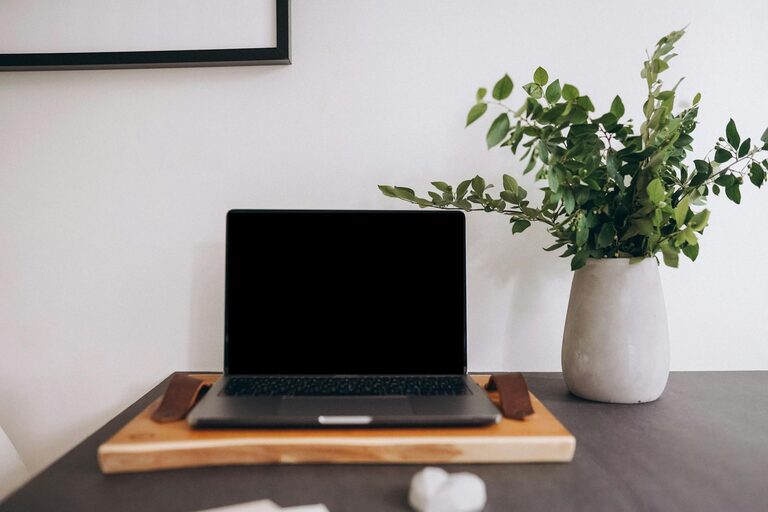
– Add Plants: Indoor plants can enhance air quality and reduce stress.
– Inspirational Items: Include artwork, quotes, or photos that inspire you.
– Comfort Items: A soft blanket or cushion can make the space more comfortable.
Establish a Routine
Creating a productive home office routine also involves habits beyond your physical space.
– Regular Hours: Set a consistent start and end time for work.
– Breaks: Take short breaks to stretch or walk around.
– Keep Supplies Handy: Have necessary tools and supplies within reach to avoid interruptions.
Utilize Technology Wisely
Use technology to support your workflow without becoming a distraction.
– Task Management Tools: Apps like Trello or Asana can help keep your tasks organized.
– Video Conferencing Setup: Ensure your camera and microphone work well for meetings.
– Fast Internet: A reliable internet connection is essential for smooth remote work.
Maintain Cleanliness
A clean office space contributes to a clear mind.
– Daily Tidy Up: Spend a few minutes each day organizing your desk.
– Deep Cleaning: Regularly dust and clean surfaces, carpets, and equipment.
– Air Quality: Ventilate the room or use an air purifier if needed.
—
Designing an effective home office takes some planning, but the benefits for your productivity and well-being make it well worth the effort. Remember, your workspace should fit your unique needs and preferences. Try out different setups and make adjustments until your home office feels like a place where you can do your best work every day.